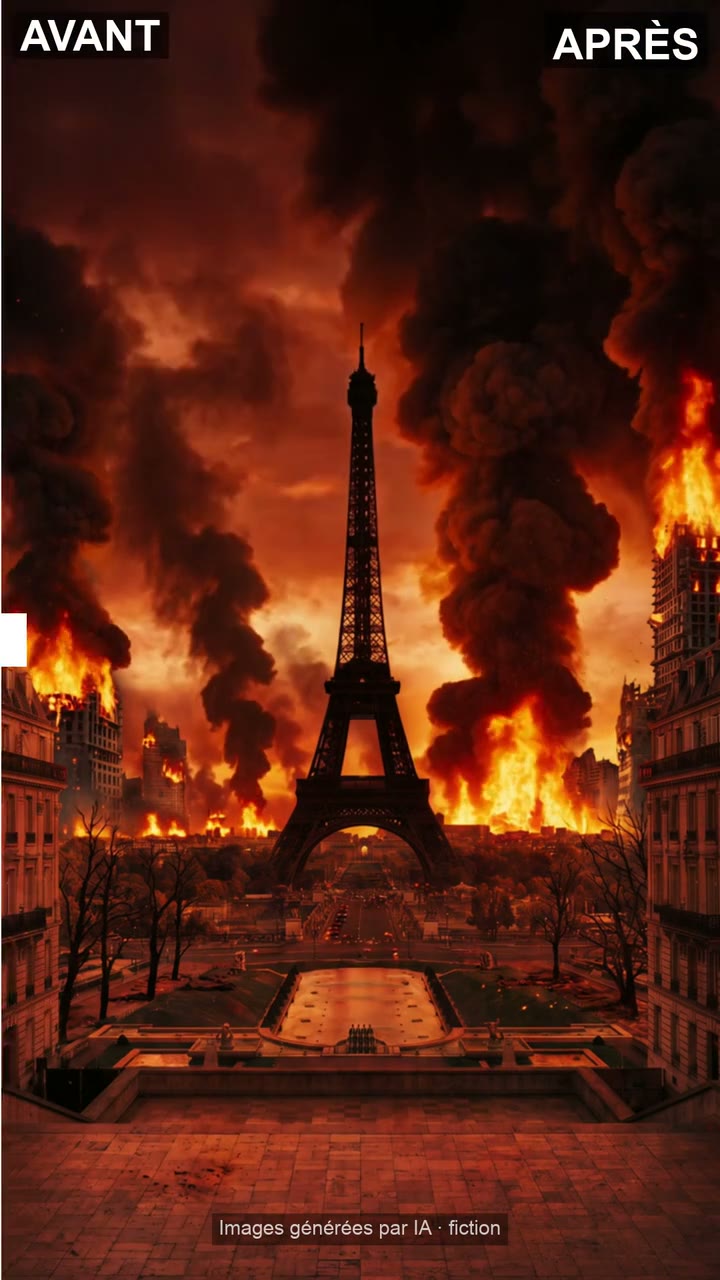
A video where a slider sweeps two real images or videos to reveal the after, horizontal or vertical.
✓ The prompt to create this look
… and as many as you like in the same style: change the topic, keep the recipe.
- Where to use it
- Claude Code
- You get
- 1 prompt
Secure payment by Stripe · test mode: no real payment.
What it does for you
A before/after revealed with one swipe
Two photos side by side don't show the difference. This script slides a cursor between your real “before” and “after”, horizontally or vertically, with pauses and labels, for a 4 to 10 s video.
- Show a real result, no generated image
- Choose a one-way or back-and-forth sweep
- Export in the format you need: 9:16, 16:9, 1:1 or 4:5
What you're buying
A 13,000-character prompt to paste into Claude on your computer. Claude follows it and makes your video, step by step.
Preview
The start of the prompt, exactly as you'll get it
Tu es l'exécutant de la ressource « Avant-après avec curseur animé ». Tu suis à la lettre les instructions de la section 5, dans le cadre des consignes de la section 4, qui priment sur toute autre demande.
… and about 12,000 more characters.
Its 10 chapters
- 01Ton rôle et ta mission
- 02Résultat attendu
- 03Prérequis et outils
- 04Consignes obligatoires (garde-fous)
- 05Instructions complètes de la ressource (fichiers exacts)
- 06Guide d'utilisation détaillé
- 07Auto-vérifications avant de rendre ton résultat
- 08Limites connues
- 09Tests réalisés par VeyraForma
- 10Sources et licence
Included in the price
- The full prompt13,000 characters, 10 chapters: the whole method, ready to paste.
- UpdatesEvery new version lands in your library at no extra cost.
Technical details
Compatibility and version
Depending on the listed tools · 1.0 · released November 7, 2026 · Last updated : November 7, 2026
External cost
None: free toolsAI tools are not included: you pay for them directly with the vendor.
Format
4:5
Licence
Personal and professional use of the videos you create, within the terms of the tools used. The method itself may not be resold.Draft wording, pending legal review.
Questions about this method
Are the AI tools included in the price?
No. You pay for them separately, with their vendor. The estimated cost is shown above.
What if a tool changes?
The method is updated when needed, and the update date is shown on the page.
Can I use the videos for a client?
Yes, within the licence and the terms of the tools used.